cloud etiketine sahip kayıtlar gösteriliyor. Tüm kayıtları göster

14 Mart 2014 Cuma

aWallet Cloud Password Manager 3.6.0


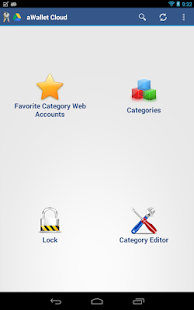
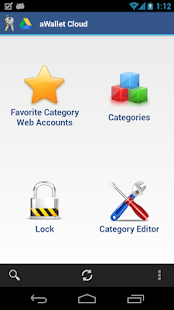
aWallet Cloud is like aWallet free version you might already know - plus the Cloud sync feature. It does not contain Pro features. Read the description below.


Cloud Wallet App pour Android

Size: 2.6 MB
Android Requires : 2.2+

https://play.google.com/store/apps/details?id=org.awallet.cloud


 Cloud Wallet App pour Android - screenshot thumbnailCloud Wallet App pour Android - screenshot thumbnailCloud Wallet App pour Android - screenshot thumbnailCloud Wallet App pour Android - screenshot thumbnailCloud Wallet App pour Android - screenshot thumbnailCloud Wallet App pour Android - screenshot thumbnailCloud Wallet App pour Android - screenshot thumbnailCloud Wallet App pour Android - screenshot thumbnailCloud Wallet App pour Android - screenshot thumbnail
MAIN FEATURES
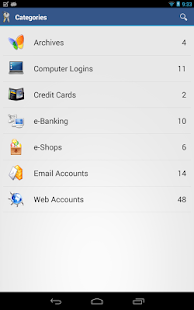
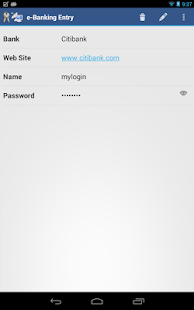
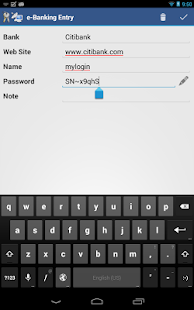
* Securely stores your passwords, credit card information, e-banking credentials, web accounts and other custom data.
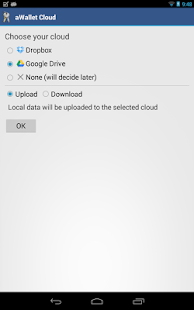
* Synchronizes encrypted data with the Cloud: Dropbox or Google Drive.
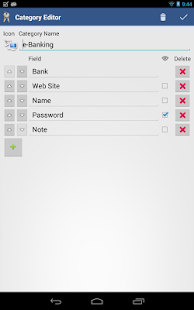
* There is a built in Editor for changing or creating new data Categories with custom icons.
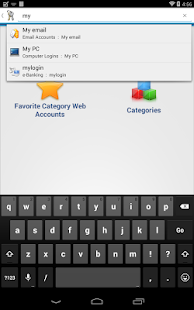
* Search within fields.
* Contains no advertisements.
* Supports backup and restore of the encrypted data file to the SD card or Android USB device on phones like Nexus S.
* Export of unencrypted data in CSV format to the SD card or USB device.
* There is an Auto lock feature that can be preconfigured for a specific period of time.

PRO FEATURES, available via single In-app billing payment:
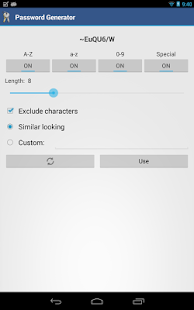
* Password Generator
* CSV Import

SECURITY FEATURES
* All data is encrypted, including Entry names, Category definitions and the data itself. Even the choice of Favorite Category is encrypted.
* Encrypts data using AES and Blowfish algorithms with key sizes of 256, 192 and 128 bits. And also supports Triple DES with key sizes of 168 and 112 bits.
* When the data file is decrypted, up to all combinations of algorithm, key size and cipher mode of operation (CBC, CFB, OFB and ECB) are tried with the Master password to unlock the data file. This was inspired by TrueCrypt and makes brute force attacks longer. The app itself does not store any hint to the actual cipher, key size or cipher mode of operation.
* Uses a randomly generated 'salt' combined with the Master password. Salt helps to protect from off-line dictionary attacks.
* The key to open the data file is created by combining your master password with the 512-bit 'salt'. The result is hashed 1000 times by SHA-256. Repetitive hashing makes a brute force attack more difficult.
* Supports auto destruction of the data file after a predefined number of unsuccessful unlocks have been tried.

What's New:
Please see www.awallet.org/faq-cloud on how to import data from the original version. Thanks.
3.6.0
• Added Search to entries screen
• Group similar characters in Password Generator
• Don't show checkbox in the Copy hidden field dialog
Older versions
• Fast scrolling with alphabet index in the list of entries
• Easy data import from aWallet free
• Improved search
• Using holo light theme on Android 4.x devices
• Fixed cloud authentication in specific phones
• etc.

11 Mart 2014 Salı

PocketCloud Remote Desktop Pro 1.4.217


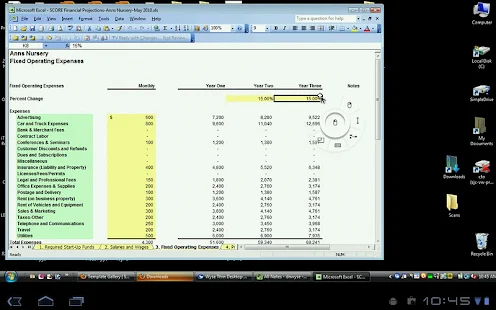
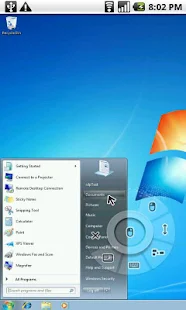
PocketCloud is a secure and fast way to remotely connect to your Mac or Windows desktop with your Android device, no matter where you are. 


Size: 12 MB
Android Requires : 2.2+

https://play.google.com/store/apps/details?id=com.wyse.pocketcloudfull


 PocketCloud Remote Desktop Pro - screenshot thumbnailPocketCloud Remote Desktop Pro - screenshot thumbnailPocketCloud Remote Desktop Pro - screenshot thumbnailPocketCloud Remote Desktop Pro - screenshot thumbnailPocketCloud Remote Desktop Pro - screenshot thumbnailPocketCloud Remote Desktop Pro - screenshot thumbnailPocketCloud Remote Desktop Pro - screenshot thumbnailPocketCloud Remote Desktop Pro - screenshot thumbnail
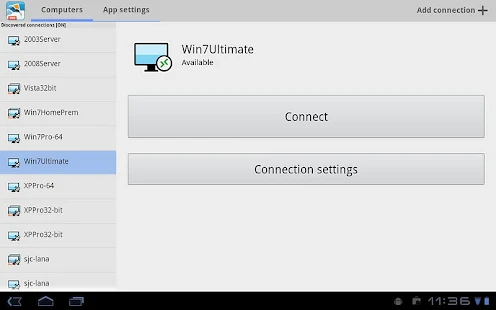
Access your files, pictures, and applications like Outlook, Word, Photoshop, games or any other program. Simple to install with powerful features, enterprise security and RDP/VNC compatibility, PocketCloud is a great choice for remote desktop access.
☆Named top remote desktop app by PC World☆
☆Named a top 10 app for working away from the office by USA Today Tech☆
☆Winner of 148Apps Best App Ever Award for Android remote computer access☆
So leave your laptop behind and don’t be concerned with copying files you need from your desktop. Access them all with PocketCloud—make an important presentation, grab a forgotten report, help a friend with a computer problem, or edit and email a spreadsheet while traveling as lightly as possible.
Two Easy Setup Options:
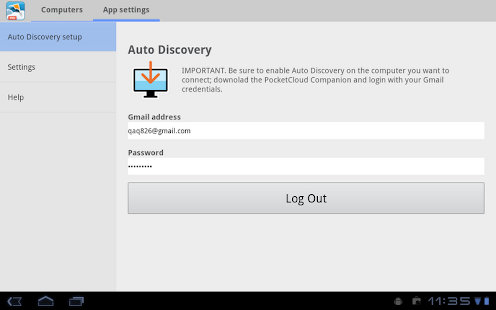
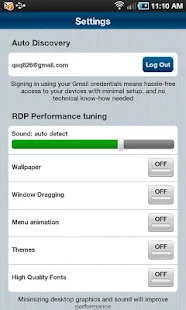
I) Auto Discovery (Recommended): Hassle-free access to your desktops with minimal setup and no technical know-how. Simply install PocketCloud on your Android device and follow the simple step-by-step instructions.
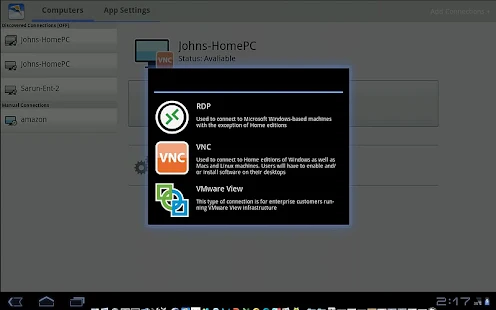
II) Advanced Setup: PocketCloud can also connect directly to machines running RDP or VNC. Simply enter the IP address or hostname to connect.
FEATURES:
✓ Optimized for Phones and Tablets
+Full multitasking support
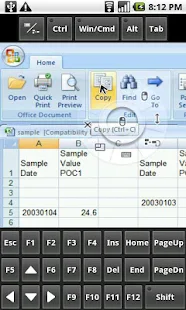
+Advanced high-accuracy Touch Pointer for instant mouse and keyboard control
+Native resolution on all Android versions including Honeycomb and ICS
+Keyboard auto-activation
✓ Remote Desktop Protocol (RDP) Android Client
+Always up to date with the latest RDP specification from Microsoft (RDP 7.0)
+Microsoft RD Gateway (TS Gateway) support
+Best compression for 3G and 4G
+Sound with auto-bandwidth mode (Windows Pro, Ult. & Ent. only)
+Enterprise grade security: 128-bit encryption, FIPS and NLA support
+NLA (Network Level Authentication): The only Android app the supports CredSSP including NTLM and Kerberos encryption levels!
+File Redirection
+Auto-fit and custom resolutions for RDP
*RDP Features including sound streaming are not supported on VNC, Mac and Home Editions of Windows
✓ VNC Support
+Connects to Macs, Home Editions of Windows and Linux
+Secure 128-bit encryption when using Auto Discovery
+Supports username authentication for Macs
✓Certified for VMware View
+Direct connections and secure TLS/SSL tunneling
✓ Auto Discovery
+Fast and hassle-free setup using your Gmail account
+Secure tunneling for VNC
+No port-forwarding configuration required
+Great for 3G!
✓ Rich Multi Touch Gestures*
+Left Mouse Click: One finger tap
+Mouse Scroll: Two-finger swipe 
+Left Mouse Dragging: Tap and hold, then drag
+Bing Keyboard Up: Three-finger tap
*Requires multi-touch support on the device
✓ Enterprise-class Support
+Wyse is a 28+ year Silicon Valley company
+3rd party app integration (URL scheme)
SUPPORTED PLATFORMS
+Android 2.1 or later
+Windows 8, Windows 7, Windows Vista, Windows XP, Windows 2003* & 2008*
+Mac OS X 10.6 & 10.7
+VMware View 4.5, 4.6, 5.0, & 5.1
Visit our Support Center to view the PocketCloud knowledge base and community forum, or submit a question: http://pocketcloudsupport.wyse.com
keywords: vnc, rdp, remote desktop, remote control, terminal server, VDI, rd gateway, gotomypc, ts gateway, virtual desktop

What's New
- Several bug fixes for Cloud Client Manager support.
- Addressed issue with battery usage.

10 Mart 2014 Pazartesi

Cloud Clipboard (Donate) 1.0.0


Do you always have difficulty to type a long sentences on your device?


Size: 3.4 MB
Android Requires : 2.3+

More Info on Google Play:
https://play.google.com/store/apps/details?id=com.soft.titus.cloudclipboarddonate


Cloud Clipboard (Donate) - screenshot thumbnailCloud Clipboard (Donate) - screenshot thumbnailCloud Clipboard (Donate) - screenshot thumbnailCloud Clipboard (Donate) - screenshot thumbnailCloud Clipboard (Donate) - screenshot thumbnailCloud Clipboard (Donate) - screenshot thumbnailCloud Clipboard (Donate) - screenshot thumbnailCloud Clipboard (Donate) - screenshot thumbnail
Or you have more than one device and you want to share the clipboard between them?

Cloud Clipboard is your answer! Clipboard on the Cloud.

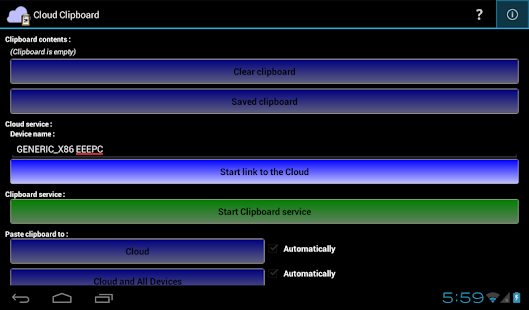
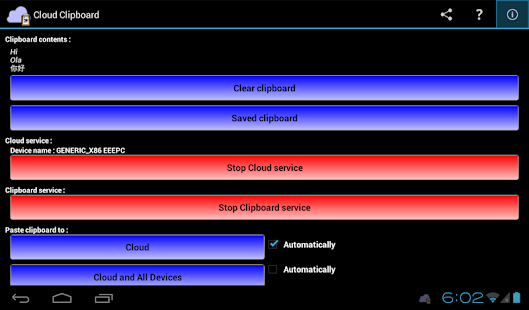
It help you remember your clipboard, It store your clipboard on the cloud, it enable you to share your clipboard across devices through the Cloud, it's a clipboard manager... on the Cloud.

Key features :
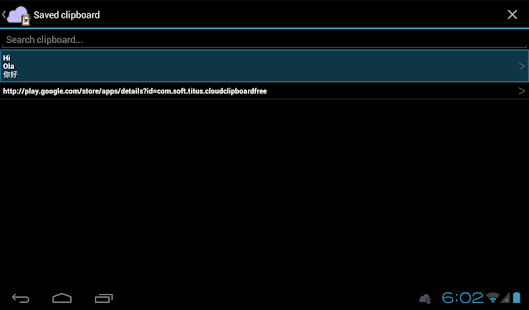
- Monitor your clipboard for changes and store the changes automatically, never lost your clipboard again.
- Unlimited number of saved clipboard.
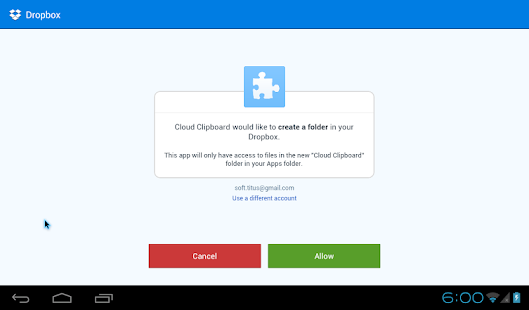
- Add a clipboard from the Cloud (Dropbox), put a text file into your Dropbox (from any device, such as PC), and within a few seconds the contents of the text file will be available in your device clipboard. You must put the text file on "\Dropbox\Apps\Cloud Clipboard\[DEVICE_NAME]\in\", change [DEVICE_NAME] to a device name you input while linking your Dropbox account with Cloud Clipboard.
- Support unicode text (such as Chinese, Japanese, Korean, Arabic, Hebrew, Cyrilic, etc.), make sure you set the encoding to "UTF-8" when you save the text file.
- Up to 10240 characters (10kBytes) per text file (Donate version, FREE version up to 2048 characters / 2kBytes).
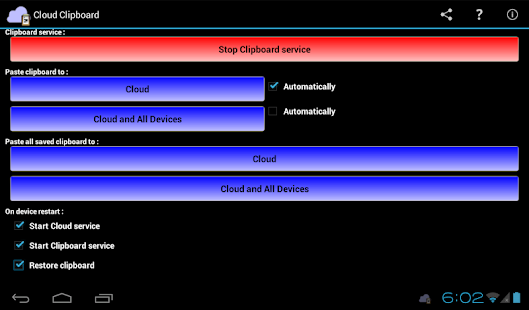
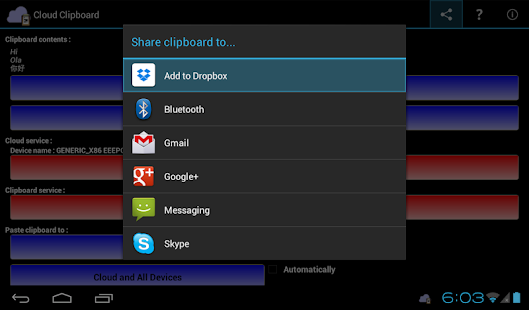
- Store your clipboard back to the Cloud (Dropbox), e.g. you want to save an important SMS from your phone to the Cloud, or your friend send you a link to a website and you want to open it on your computer.
- Share your clipboard with your other device, all device must be use same Dropbox account to enable this feature. Currently only support Android devices.
- Restore your last saved clipboard on device restart, you can start pasting it right away.
- Access saved clipboard quickly, anywhere, anytime, from the notification area.

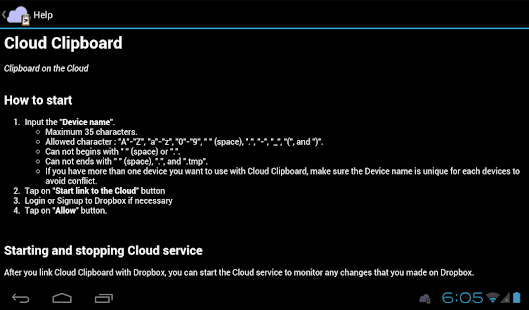
Please read the help on the application or read it at http://dl.dropbox.com/u/4949291/Cloud%20Clipboard/help.html

If you install the FREE version, please uninstall the FREE version first before run the Donate version to avoid conflict.

By donating :
- Your file size limit to add new clipboard from the Cloud is upgraded to 10kB
- You get the application WITHOUT any ADS
- You support the developer to make the apps even better
- You support the developer to make another apps for you