icons etiketine sahip kayıtlar gösteriliyor. Tüm kayıtları göster

13 Mart 2014 Perşembe

iNex Full - Icons 4.2


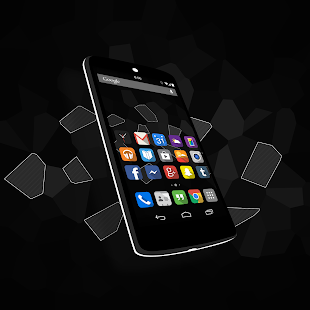
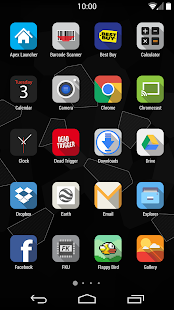
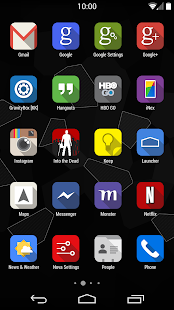
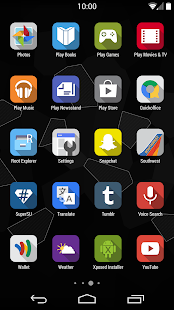
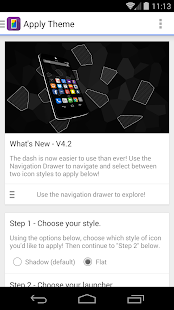
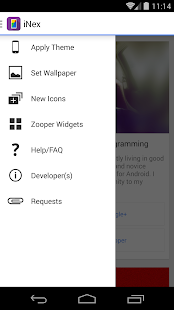
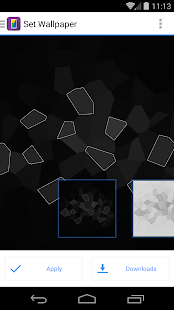
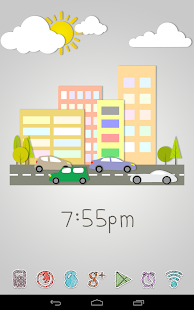
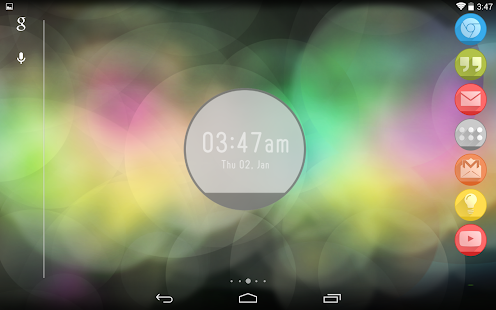
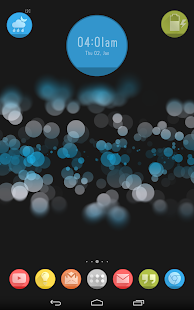
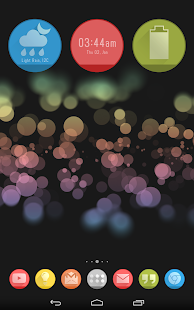
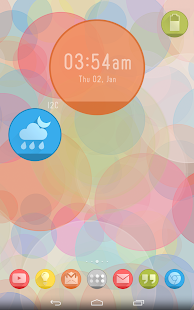
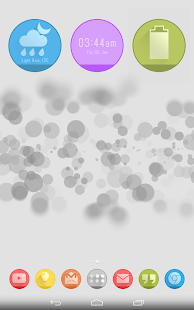
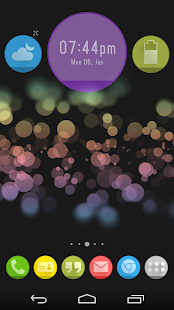
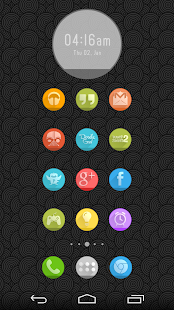
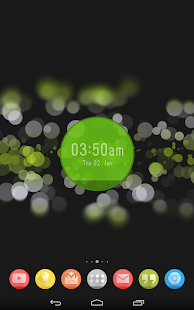
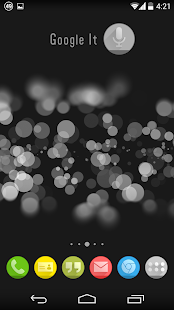
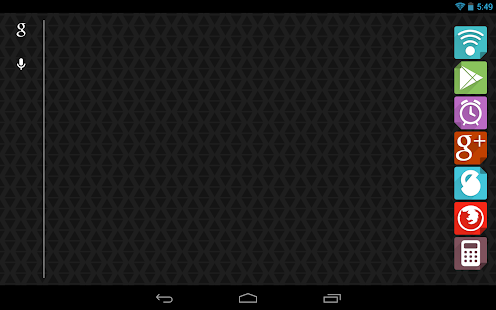
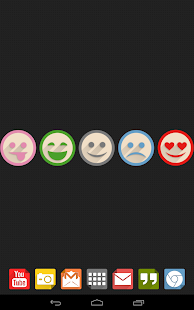
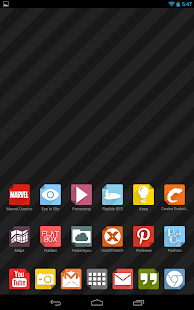
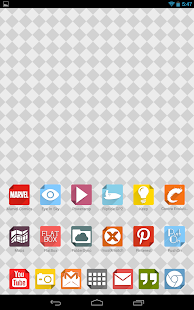
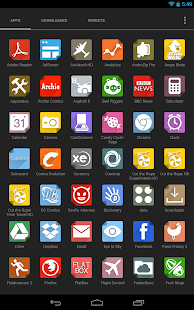
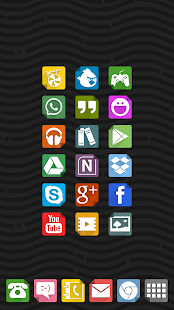
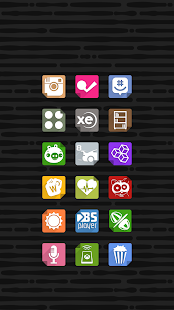
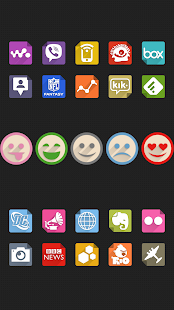
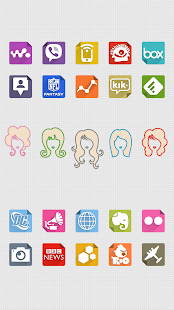
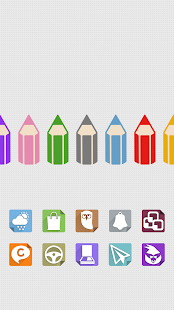
iNex is an attempt to bring a sense of beautiful uniformity to your home screen while retaining the Google JFK look and feel that you love! XHDPI supported, lower resolutions should work.


Size: 20 MB
Android Requires : 4.0+
More Info on Google Play:
https://play.google.com/store/apps/details?id=com.mckenzie.iNex.Pro


iNex Full - Icons - screenshot thumbnailiNex Full - Icons - screenshot thumbnailiNex Full - Icons - screenshot thumbnailiNex Full - Icons - screenshot thumbnailiNex Full - Icons - screenshot thumbnailiNex Full - Icons - screenshot thumbnailiNex Full - Icons - screenshot thumbnail
iNex is an attempt to bring a sense of beautiful uniformity to your home screen while retaining the Google JFK look and feel that you love! XHDPI supported, lower resolutions should work.

Supports:
• Apex (Icons and Skin)
• Nova (Icons)
• ADW (Icons)
• Action Launcher (Icons)
• This is not a CM Theme Chooser, or standalone theme.

For full effect, make sure to download and support these other developers:
• Mianogen Theme for CM10.1 (http://bit.ly/1cOXrc6)
• RoundR (http://bit.ly/16cXLvU)

This is the Full/Paid Version! Thank you so much for supporting development!
Now over 120+ icons with over 100+ alternates!
Frequent Updates planned. I'm a student and have work. I add icons as I'm able.

Icon List:
http://bit.ly/12rrSPP

Questions, comments, requests and errors can be sent to:
mckbleestudios@gmail.com

+Plus the Developer:
http://bit.ly/1b6uxEp

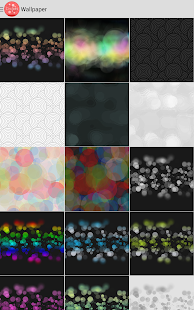
New Wallpapers by:
Alex Besler http://bit.ly/1dErQZk

*XHDPI icons /do/ seem to function well on higher/lower resolution displays.
**This application is not tablet optimized, but the theme will still work.

Adding icons as I can! This is a constant WIP!

What's New
4.1 - Fixed some activities and such. Tried to find a middle ground with the new iconbacks and the old. Feedback appreciated!

12 Mart 2014 Çarşamba

Diddly (apex adw nova icons) 6.5


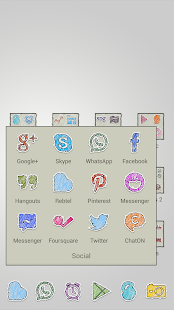
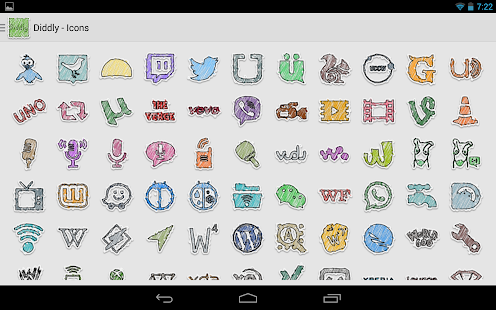
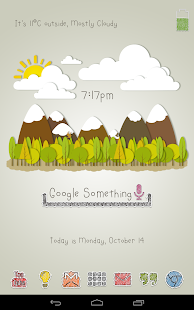
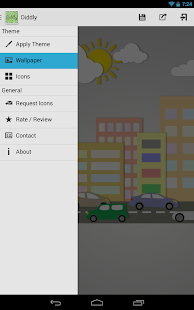
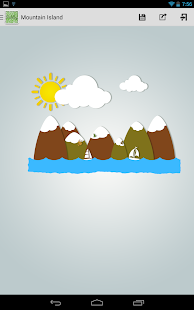
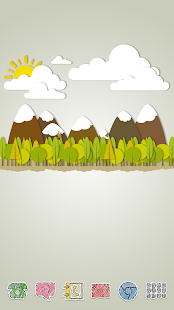
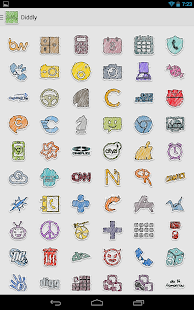
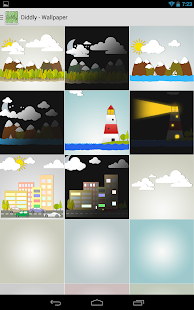
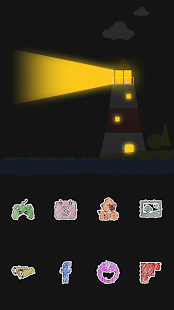
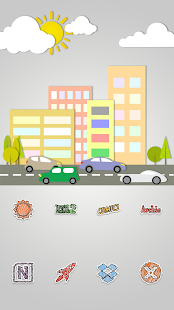
Diddly is a full theme / icon pack for various launchers. These icons are designed to have a hand sketch kiddish look and are very colorful. Wallpapers are designed from scratch to suit the icons.


Size: 25 MB
Android Requires : 4.0.3+

More Info on Google Play:
https://play.google.com/store/apps/details?id=com.esethnet.diddly


Diddly - Icon Pack - screenshot thumbnailDiddly - Icon Pack - screenshot thumbnailDiddly - Icon Pack - screenshot thumbnailDiddly - Icon Pack - screenshot thumbnailDiddly - Icon Pack - screenshot thumbnailDiddly - Icon Pack - screenshot thumbnailDiddly - Icon Pack - screenshot thumbnailDiddly - Icon Pack - screenshot thumbnailDiddly - Icon Pack - screenshot thumbnailDiddly - Icon Pack - screenshot thumbnailDiddly - Icon Pack - screenshot thumbnailDiddly - Icon Pack - screenshot thumbnail
Full Features:
- 17 Wallpapers in total to match the icons.
- 730+ Diddly Icons. Icons are xxhdpi 144x144 resolution and will look sharp and clear on phones as well as tablets.
- 40 Icon Backs for apps not included in the icon pack. This ensures all your app icons are themed.
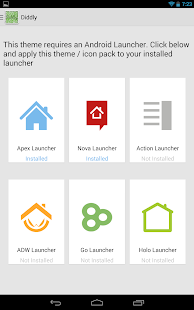
- Multi Launcher Compatibility. Supports Go Launcher, Apex Launcher, Nova Launcher, Action Pro Launcher, Holo Launcher and ADW Launchers
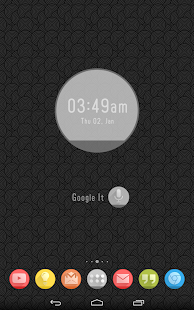
- Free matching Zooper Pro Widget Skin (12 Widgets). Available here: Diddly for Zooper Widget
---------------------
How to apply Icon Pack on Holo Launcher
The new dashboard supports automatic applying of theme and icons across supported launchers besides Holo Launcher. You have to manually apply:
1. Click Menu - Launcher Settings
2. Tap on Appearance Settings - Icon Pack - Diddly

What's New
Version 6.5
-115 new icons added (total number now 1950+)
-App id fixes

Circlons (apex adw nova icons) 3.0


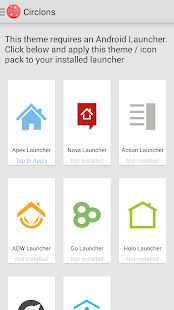
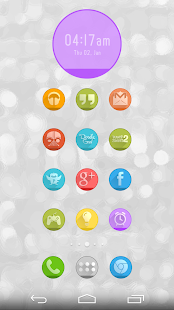
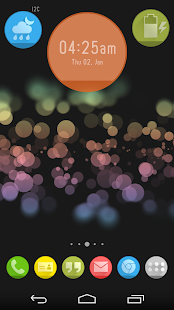
Circlons is a full theme / icon pack for various launchers. These icons are beautifully designed with 25 color backs and long shadows. The icon pack comes with 32 custom made wallpapers in both light and dark version to match these icons.


Size: 24 MB
Android Requires : 4.0.3+

More Info on Google Play:
https://play.google.com/store/apps/details?id=com.esethnet.circlons


Circlons - Icon Pack - screenshot thumbnailCirclons - Icon Pack - screenshot thumbnailCirclons - Icon Pack - screenshot thumbnailCirclons - Icon Pack - screenshot thumbnailCirclons - Icon Pack - screenshot thumbnailCirclons - Icon Pack - screenshot thumbnailCirclons - Icon Pack - screenshot thumbnailCirclons - Icon Pack - screenshot thumbnailCirclons - Icon Pack - screenshot thumbnailCirclons - Icon Pack - screenshot thumbnailCirclons - Icon Pack - screenshot thumbnailCirclons - Icon Pack - screenshot thumbnailCirclons - Icon Pack - screenshot thumbnailCirclons - Icon Pack - screenshot thumbnailCirclons - Icon Pack - screenshot thumbnail
Full Features:
• Dashboard application for easy launcher apply actions
• Cloud based 32 Wallpapers to match the icons. Some walls are around 1-2mb in size. On a slow connection it may take time to load.
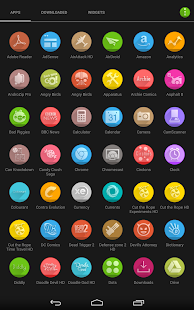
• 1400+ Circlons Icons at 192x192 resolution.
• 25 Icon Backs and an Icon Mask for apps not included in the icon pack.
• Smart Icon Request Function which enables me to complete icon request quickly.
• Free matching Zooper Pro Widget Skin (14 Widgets). Available here: Circlons for Zooper Widget
Compatible Launchers
• Nova Launcher
• Apex / Apex Pro Launcher
• ADW / ADW Ex Launcher
• Action Pro Launcher
• Go Launcher
• Solo Launcher
• Smart Launcher
• Solo Launcher
---------------------
How to apply Icon Pack on Holo Launcher
The new dashboard supports automatic applying of theme and icons across supported launchers besides Holo Launcher. You have to manually apply:
1. Click Menu - Launcher Settings
2. Tap on Appearance Settings - Icon Pack - Circlons
---------------------
Stay Updated
Circle me on Google+: https://plus.google.com/+GauravSeth for regular updates on my existing and future icon pack projects.
---------------------
Notes
This theme app contain an Icon Mask which is not fully supported by Go Launcher. Kindly disable icon back by going into preferences - icons - untick Show Icon Base.

What's New
Version 3.0
-115 new icons added (total number now 1950+)
-App id fixes

Colourant (apex nova icons) 8.5


Colourant is a full theme / icon pack for various launchers. These icons are minimal in design and vivid in color.


Size: 16 MB
Android Requires : 4.0.3+ 

More Info on Google Play:
https://play.google.com/store/apps/details?id=com.esethnet.colourant


Colourant - Icon Pack - screenshot thumbnailColourant - Icon Pack - screenshot thumbnailColourant - Icon Pack - screenshot thumbnailColourant - Icon Pack - screenshot thumbnailColourant - Icon Pack - screenshot thumbnailColourant - Icon Pack - screenshot thumbnailColourant - Icon Pack - screenshot thumbnailColourant - Icon Pack - screenshot thumbnailColourant - Icon Pack - screenshot thumbnailColourant - Icon Pack - screenshot thumbnailColourant - Icon Pack - screenshot thumbnailColourant - Icon Pack - screenshot thumbnailColourant - Icon Pack - screenshot thumbnailColourant - Icon Pack - screenshot thumbnail
Full Features:
- 36 Wallpapers in total to match the icons. 18 unique wallpapers in black and white each which include 11 pattern wallpapers, 6 shapes and objects wallpapers and 1 plain.
- 520+ Colourant Icons. Icons are xxhdpi 144x144 resolution and will look sharp and clear on phones as well as tablets.
- 40 Icon Backs for apps not included in the icon pack. This ensures all your app icons are themed.
- Multi Launcher Compatibility. Tested on Apex, ADW, Go, Nova, Holo and Action Pro Launcher
---------------------
Compatibility
Theme compatible with:
- Apex Launcher
- ADW Launcher
Icons compatible with:
- Nova Launcher
- Action Pro Launcher
- Holo Launcher
- Apex Launcher
- ADW Launcher
- Go Launcher
---------------------
How to apply Full Skin on Apex Launcher
1. Click Menu - Theme Settings
2. Tap on Colourant - Apply.
How to apply Full Skin on ADW Launcher
1. Click Menu - AWD Settings
2. Tap on Themes - Colourant - Apply.
How to apply Icon Pack on Nova Launcher
1. Click Menu - Nova Settings
2. Tap on Look and Feel - Icon Theme - Colourant.
How to apply Icon Pack on Holo Launcher
1. Click Menu - Launcher Settings
2. Tap on Appearance Settings - Icon Pack - Colourant Icons
How to apply Icon Pack on Action Pro Launcher
1. Click Menu - Settings
2. Tap on Display - Icon Pack - Colourant Icons
How to apply Icon Pack on Go Launcher
1. Click Menu - Themes
2. Swipe to Installed - Colourant - Apply
---------------------
Changing Wallpapers on any launcher:
1. On home screen long press and tap on Wallpapers
2. Tap on Colourant Wallpapers
3. Choose and set wallpaper
---------------------
If you have any icon request or questions then feel free to email me at gseth83@gmail.com

What's New
Version 8.0
-97 new icons added (total number now 1840+)
-App id fixes
-Dashboard improvements